
Latitude 10 Agent Spend Guard
Let your agents pay for things without handing them your wallet.

What is the Latitude 10 Agent Spend Guard?
Agents now pay per call with x402, MPP and L402. Spend Guard sits in the payment path: every payment is checked against the limits you wrote, reserved in a ledger before anything is signed, held for a person above your threshold, and written to a tamper-evident audit log. The refusal is a sentence the model can read.
A TypeScript library you drop in where your agent calls paid APIs (a fetch that pays, or a wrapped MCP client), plus an optional server that holds the keys so your agents only ever hold a token. Code you own; runs on Node 22, in Docker or on Fly.io.
Want it installed for you? Ask for a fixed-price quote on the contact page.
You run this code and are responsible for it: review it, test it on staging, and check that it meets the laws, platform rules and security standards that apply to you before production. It is not legal, compliance or financial advice, and using it doesn’t make Latitude 10 your payment processor or service provider.
What do you get?
- Five rails, one policy: x402 on Base and Solana, MPP on Tempo and with Stripe cards, L402 over Lightning
- Per-payment caps and hourly, daily and monthly budgets, per agent and in total; per-merchant and per-tool limits
- Budgets reserved atomically before signing, so concurrent payments can’t overspend them, in SQLite or Postgres across machines
- Human approvals above a threshold: your callback, or a queue with Slack links and an admin UI
- A freeze switch, and agents that look stuck in a loop freeze themselves
- Unknown outcomes reconciled from the chain; a hash-chained audit log you can verify
- Server mode keeps keys off the agent’s machine; local keys or your own KMS or MPC signer
Every kit includes
- The full source code, yours to change
- A setup wizard: node setup.mjs
- A versioned release with a changelog
- A download link that always serves the latest release
How do you set it up?
node setup.mjsRuns a demo in which an agent with a wallet meets three paid APIs on your machine (x402, L402 and MPP with a Stripe test card) and is stopped at every limit: a per-payment cap, an approval, an unlisted merchant, a freeze, a daily budget and twenty payments at once. Then it writes your secrets and policy, tests the policy, and boots server mode.
You'll need: Node.js 22.13+. To pay for real: a key per rail (a Base Sepolia test wallet is free), a Stripe test key, or an LND node. Optional: Postgres or Supabase, a Slack incoming webhook.
Can an AI agent buy it?
An AI agent can buy this product for $39 on its own, paying in USDC over x402:
https://latitude10.tech/api/agent-products/agent-spend-guardOr through our MCP server at https://latitude10.tech/mcp with buy_product. How agent payments work →
When an AI agent buys from Latitude 10, the person or company that runs the agent is the buyer and accepts the Terms of Service. Payments on a blockchain or over Lightning are final.
More developer kits
See all developer kits →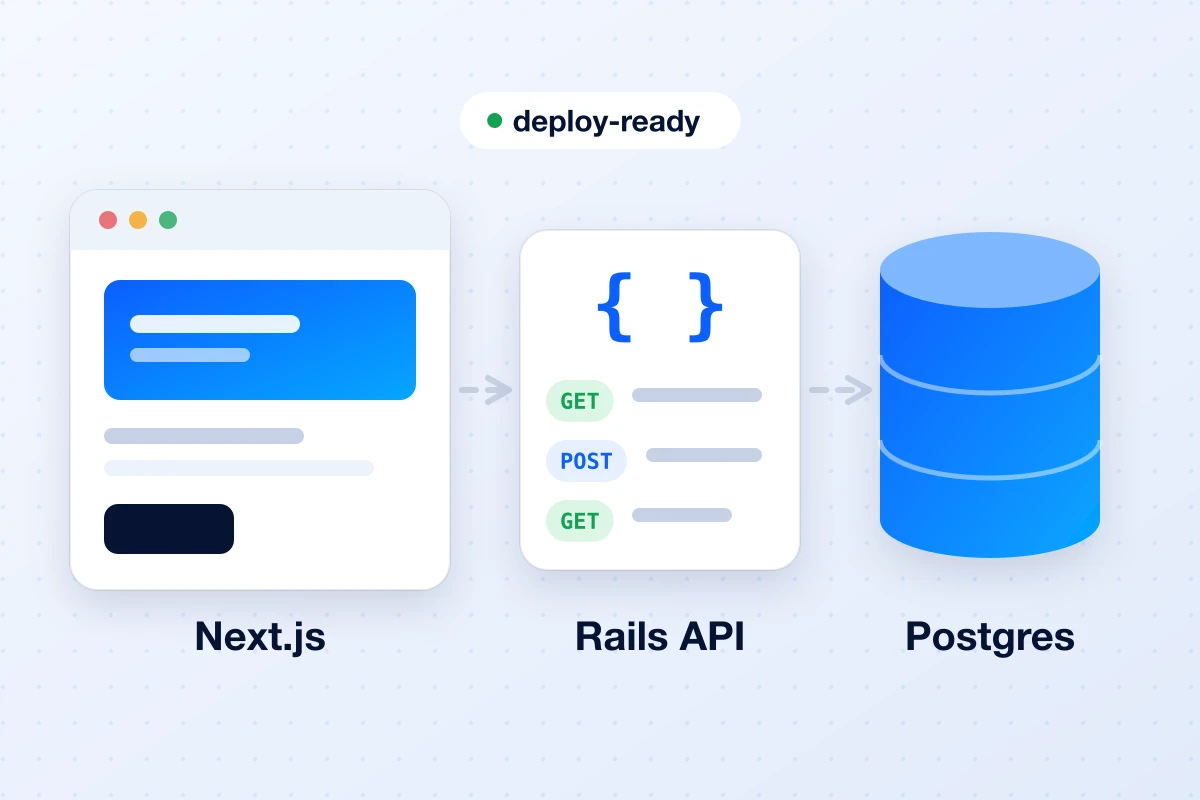
Latitude 10 Starter Kit
A Rails API on Supabase Postgres and a Next.js frontend on Vercel, wired together and deploy-ready.
Latitude 10 Agent Payments Kit
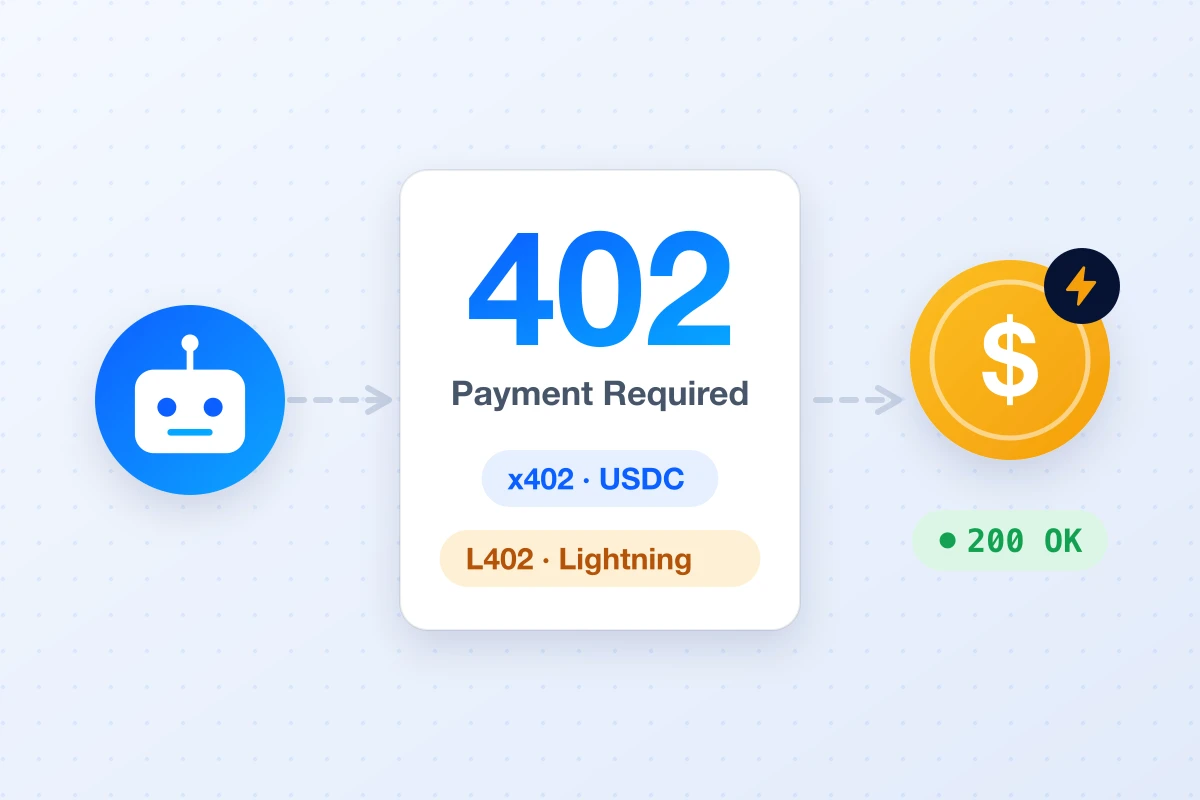
Let AI agents pay for your API or MCP server with x402 and Lightning — as code you own.
Latitude 10 Agent Production Kit
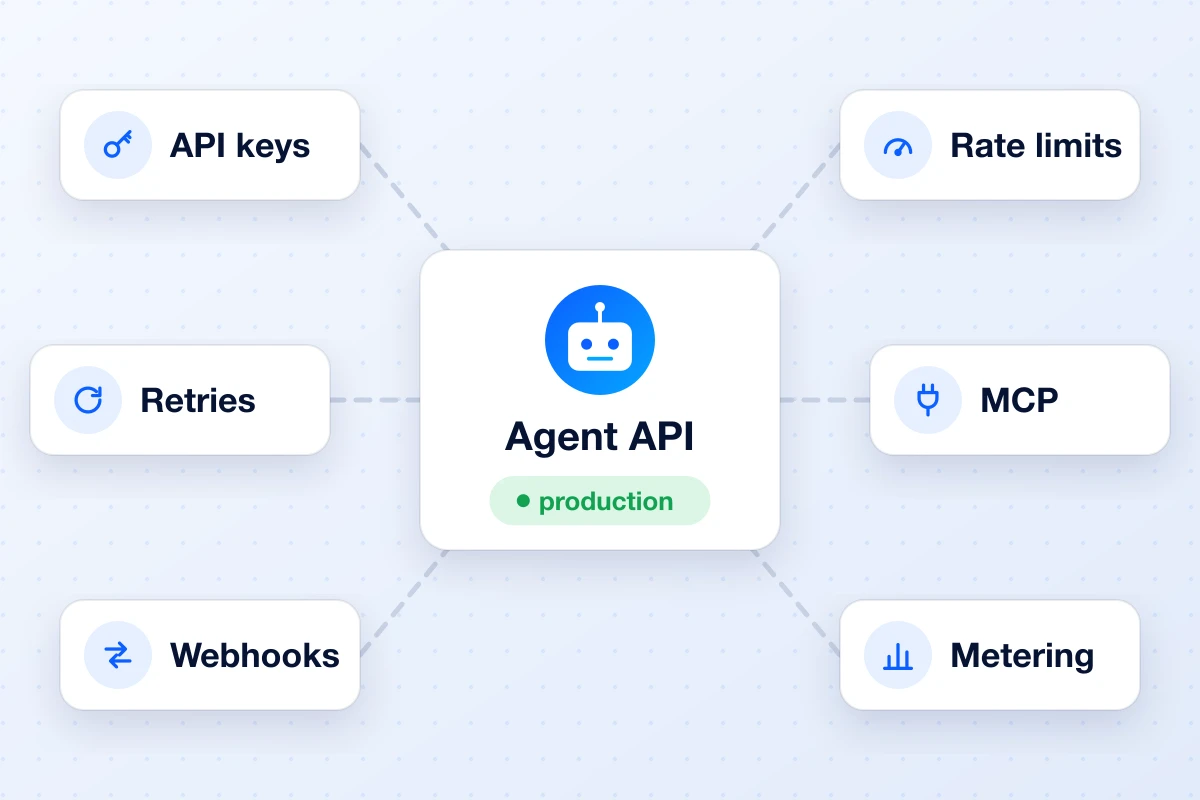
Everything between “my agent works” and “I can safely put it in production.”